
Business Online Banking Access
IMPORTANT: Your current business login credentials did not transfer to the new system. The new system is now organized around your Social Security Number. All owners/signers on the account will need to enroll for their own access. With our new person-centric organization - all of your accounts will be conveniently located under one login!
Here’s what you need to know to access your business accounts:
If You Have a Personal OUCU Membership:
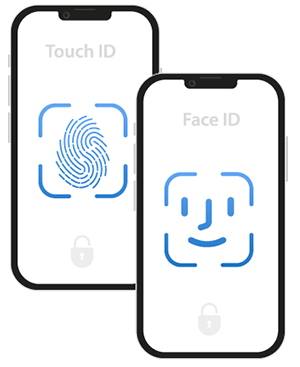
- Simply log in to your personal account using your existing username and password. If you do not know your password, you can reset it using the forgot password link. Once you download the new mobile app, you can set up biometrics again, such as Face ID or Fingerprint.
- Because the new system is organized around your Social Security Number (SSN), you’ll automatically see your linked business accounts.
- To manage your business accounts, click “Business Memberships” in the upper right corner.